Ricing Series Part 2 - Installing bspwm
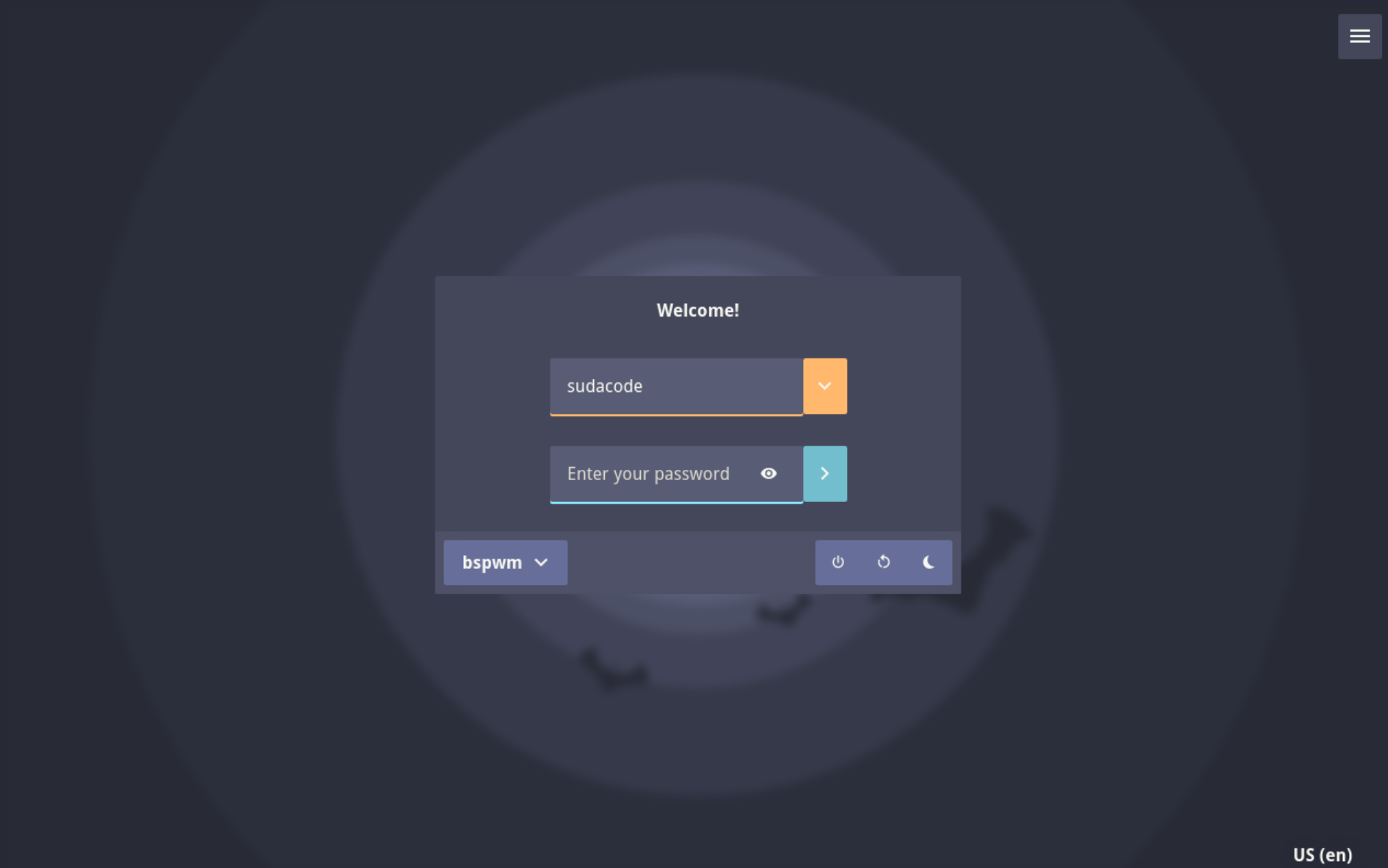
Table of Contents
Install Xorg⌗
Before we install bspwm, we need to install xorg-server
sudo pacman -S xorg-server xorg-apps
Install Bspwm⌗
Next we will install the bspwm window manager and sxhkd for the X hotkey daemon
Install Bspwm/Sxhkd Configuration⌗
The example configuration files are located in /usr/share/doc/bspwm/examples/
Copy or install the bspwmrc from that directory into ~/.config/bspwm and the sxhkdrc
into ~/.config/sxhdk
install -Dm755 /usr/share/doc/bspwm/examples/bspwmrc ~/.config/bspwm/bspwmrc
install -Dm644 /usr/share/doc/bspwm/examples/sxhkdrc ~/.config/sxhkd/sxhkdrc
Configure Sxhkd⌗
Edit the file at ~/.config/sxhkd/sxhkdrc
I prefer to use the alt key as my modifier key, so I will change most
instances of super + to alt +
Additionally, I will change some of the default programs that will be launched from the keybinds. For example, the default terminal emulator is urxvt, while my terminal emulator of choice is kitty

Install Necessary Programs⌗
Before rebooting, it is extremely important to ensure that you at least have a working keybinding for launching a terminal emulator
In my case, I need to make sure that I have the kitty emulator installed and that it is either in the system path, or the path to the program is specified directly in the keybinding
Additionally, by default, bspwm uses dmenu as its application launcher, so ensure that you have dmenu or another application launcher such as rofi installed
sudo pacman -S kitty dmenu rofi
Install LightDM and Web Greeter⌗
While it is possible to launch bspwm from xorg, I prefer to use a display manager to make it easy to install and manage multiple desktop environments/window managers
The display manager I will use is: lightdm And I will use the web-greeter greeter for LightDM
Install LighDM⌗
sudo pacman -S lightdm
Install Web Greeter⌗
web-greeter is “A modern, visually appealing greeter for LightDm, that allows to create web based themes with HTML, CSS, and JavaScript”
We need to install this package from the AUR, and my preferred method is to use the paru AUR helper
Install Paru⌗
sudo pacman -S --needed base-devel git
git clone https://aur.archlinux.org/paru.git
cd paru
makepkg -si
Once paru is installed, run the following command to install the web-greeter package
paru -S web-greeter
Set Web Greeter Theme⌗
Change theme: dracula in the configuration file located at /etc/lightdm/web-greeter.yml

Then set the web-greeter theme as the default theme to use for LightDM

After installing lightdm and a greeter, enable lightdm.service so LightDM will start at boot
sudo systemctl enable lightdm.service
Reboot⌗
Upon rebooting, you should be shown the default LightDM greeter and login page

After logging in, the screen will be blank and you will have to enter one of the
hotkeys set up in Configure Sxhkd. For instance, alt + enter for me will launch the kity terminal